File tags plugin: organize files into categories
Premium Edition license required
This feature is an optional plugin in the Premium Edition. Sign in to the 丰盘 service portal to confirm that you have a Premium Edition license and that the license includes this plugin. If you are interested or have questions, contact us or ask your account manager.
Traditional file management relies on folder hierarchies. A tree structure, however, has limits: it cannot classify the same document in more than one way. When documents are scattered across document spaces created by different project teams, each team tends to apply its own classification, and documents become hard to manage.
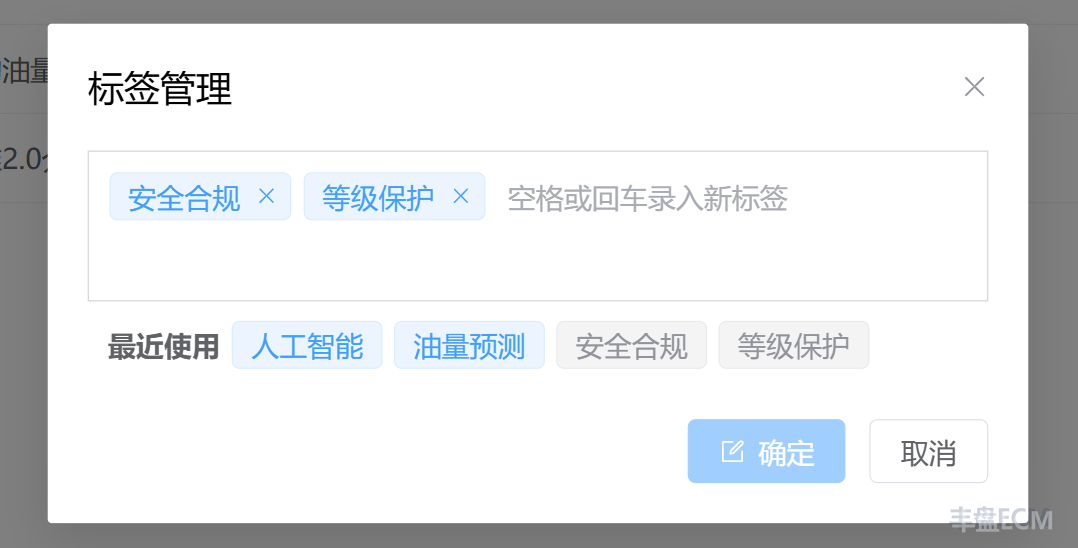
The file tags plugin adds keyword tags to any file, so one file can belong to several categories. You can then search by tag across every document space in the system to find related files.
For non-text files such as videos, music, and images, the file name itself carries very little information, which makes tags especially useful.
For example, a company creates a document space for product design assets and tags the files with "Management system", "Access control", and "Digital marketing". To find files with a tag, open the search box and enter #tag.
Product screenshots