Why does the browser fail to preview a video file and ask for a video codec?
When a user previews a video file online, the preview area reports that the video cannot be loaded if the browser's decoder does not support the video's codec:
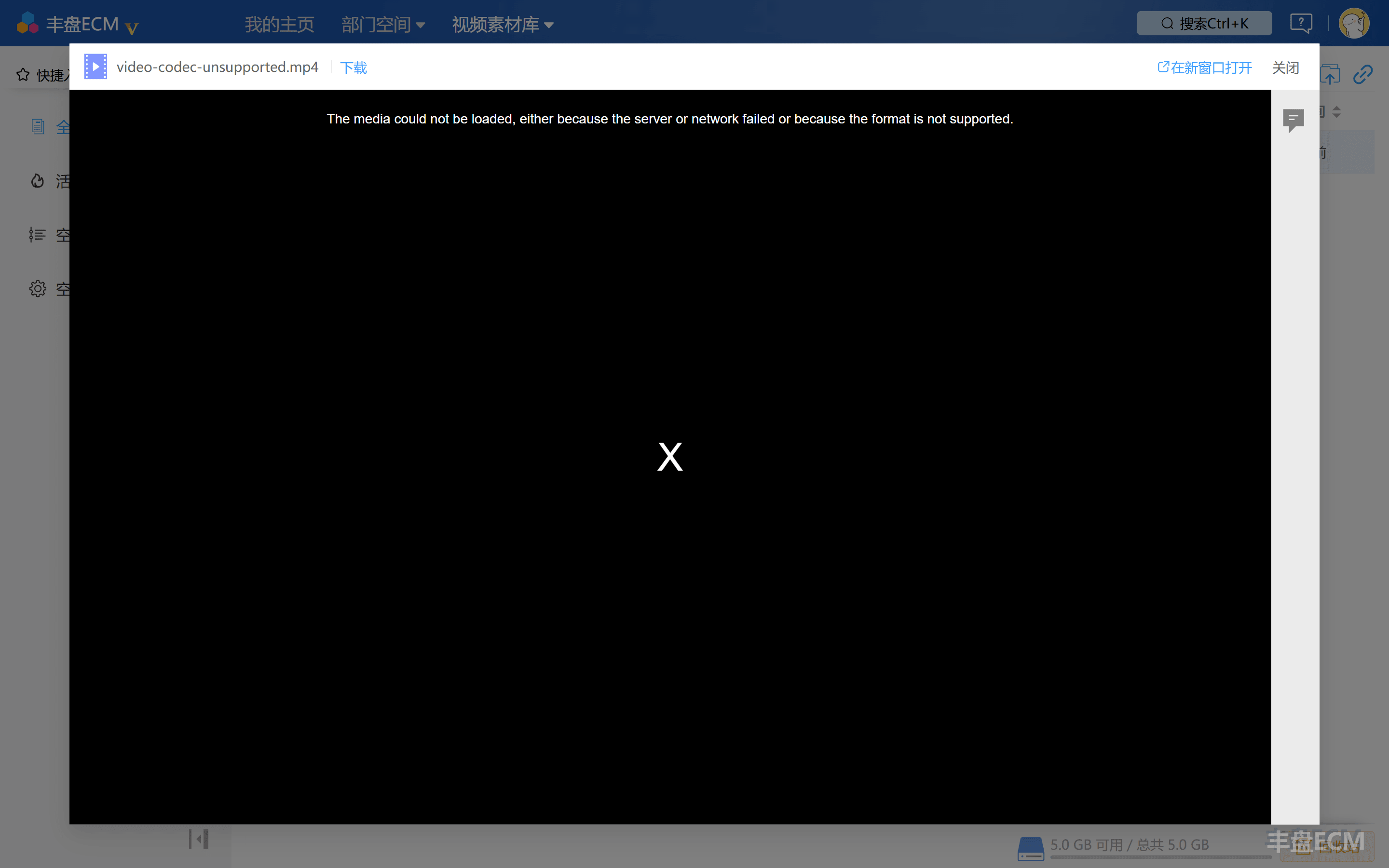
The media could not be loaded, either because the server or network failed or because the format is not supported.
Video playback relies on codecs. Some browsers do not ship with video codecs; they load the codecs already installed in the operating system instead. 丰盘ECM uses an HTML5-based video player that supports mainstream codecs such as H264, AV1, VP8, VP9, and Ogg Theora, usually with the file extensions mp4, 3gp, webm, ogg, or mpeg. Windows 10 and macOS usually include the latest video codecs, so videos play directly there. On other operating systems, download a codec pack that matches your system and install it manually.