Set up a desktop app shortcut
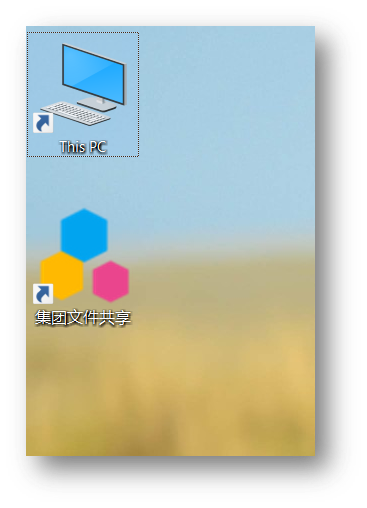
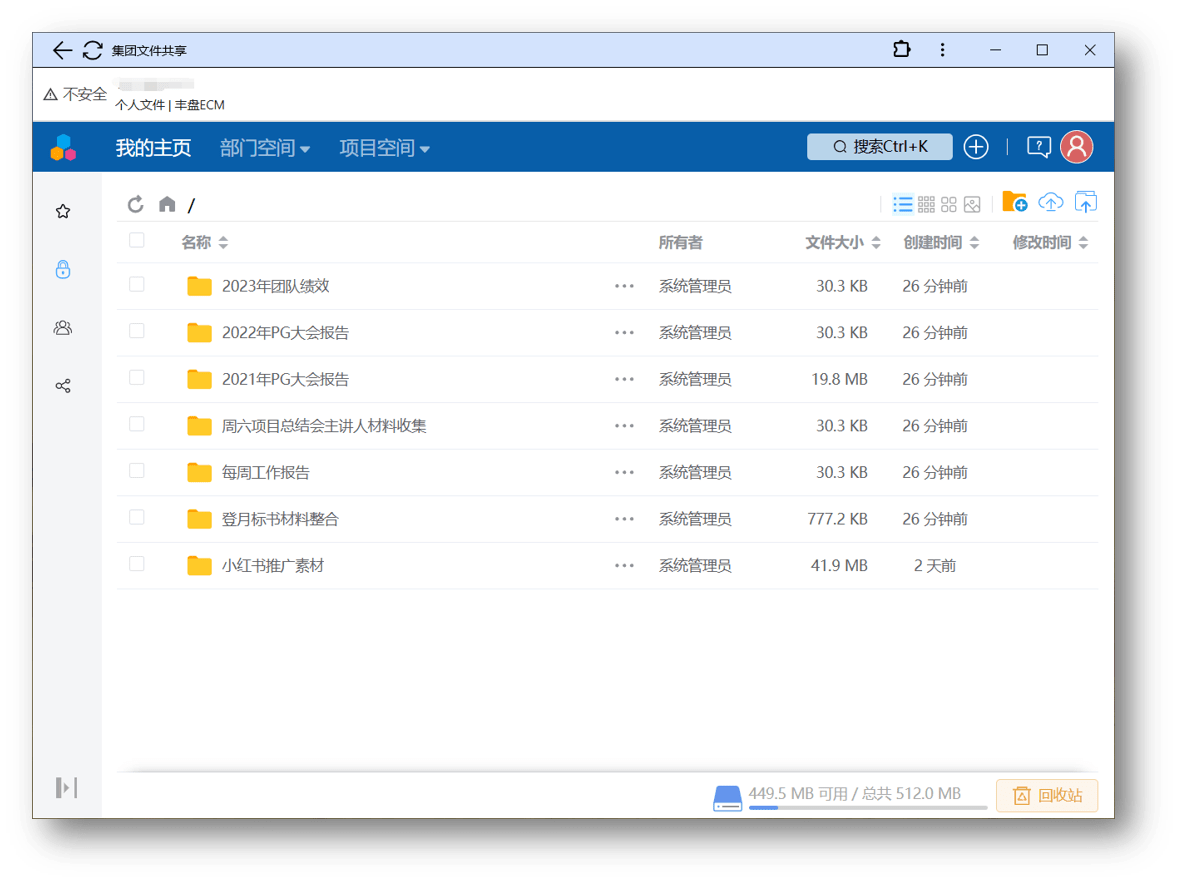
丰盘ECM is primarily a web system, so users can browse and download files without installing local software. The Premium Edition now offers a native desktop client that opens documents in the local default application and uploads locally edited files as new versions. To reach 丰盘ECM from a desktop shortcut and get a similar experience, you can install the web system as a desktop app with a feature built into Chrome or Microsoft Edge.
Premium Edition license required
丰盘 v25.3 introduces the native desktop client. The feature is available first to paying customers of the Premium Edition and will later open to Community Edition customers.
Install a desktop shortcut in Chrome
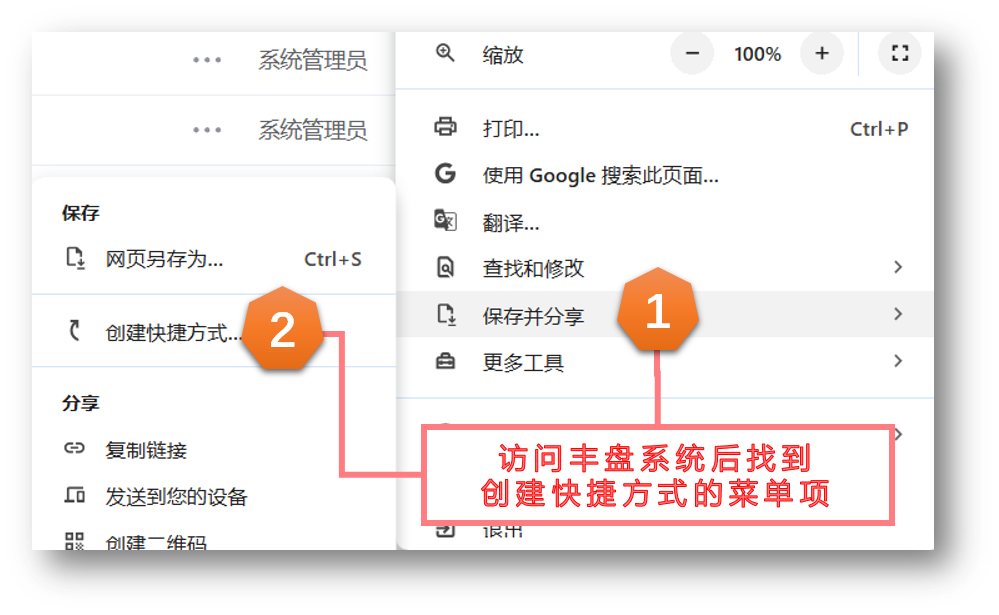
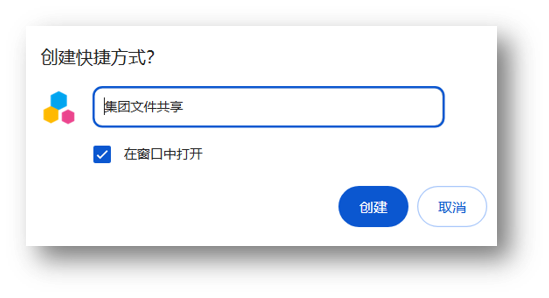
Open the 丰盘ECM system deployed on your company intranet in Google Chrome, click the menu in the top-right corner, and find "Create shortcut..." under "Save and share". Enter a name for the shortcut and save it.
Install a desktop shortcut in Microsoft Edge
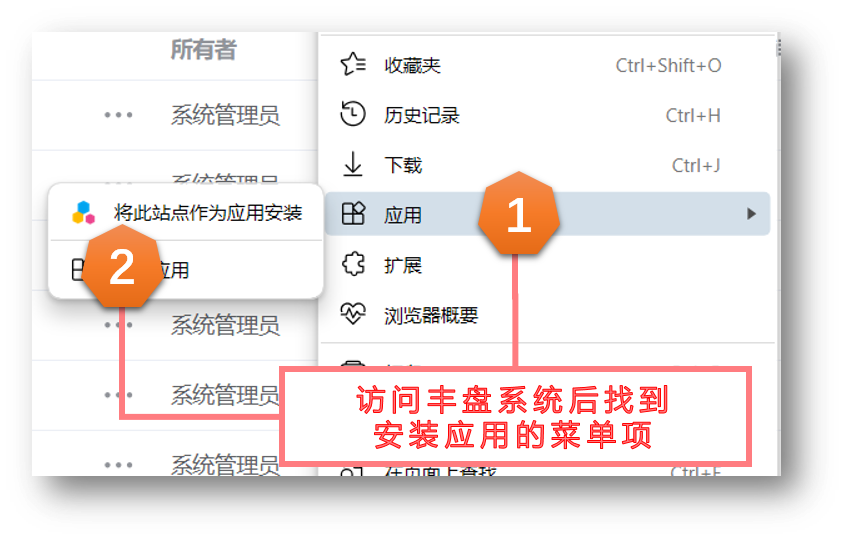
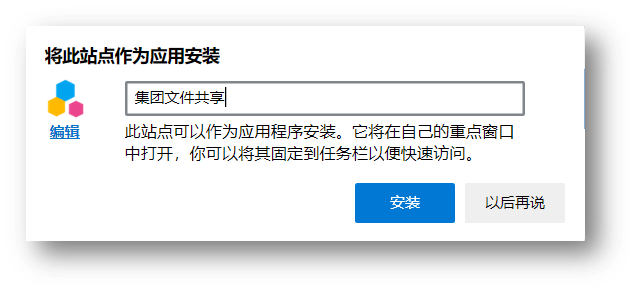
Open the 丰盘ECM system deployed on your company intranet in Microsoft Edge, click the menu in the top-right corner, and find "Install this site as an app" under "Apps". Enter a name, set an icon, and save it.