Check for new versions and upgrade remotely with OTA
To keep customers on the best experience, performance, and security, 丰盘 uses OTA technology to deliver safe, reliable remote upgrades, so you never download or copy an installer or patch by hand. Every release includes many improvements, and we test extensively to keep upgrades smooth. If anything goes wrong, the OTA process rolls back to the previous version automatically. We recommend staying on the latest stable release, or upgrading at least once every six months.
Warning
Manual server operations and software complexity make routine backups essential. We strongly recommend a full backup before every upgrade; see Backup and restore.
Check for a new version
Sign in to "Admin Console", open the "Version Upgrade" page, and click "Check". The system queries the update service online and returns the latest available version. Click "Upgrade" to open the OTA upgrade page.

Run the upgrade
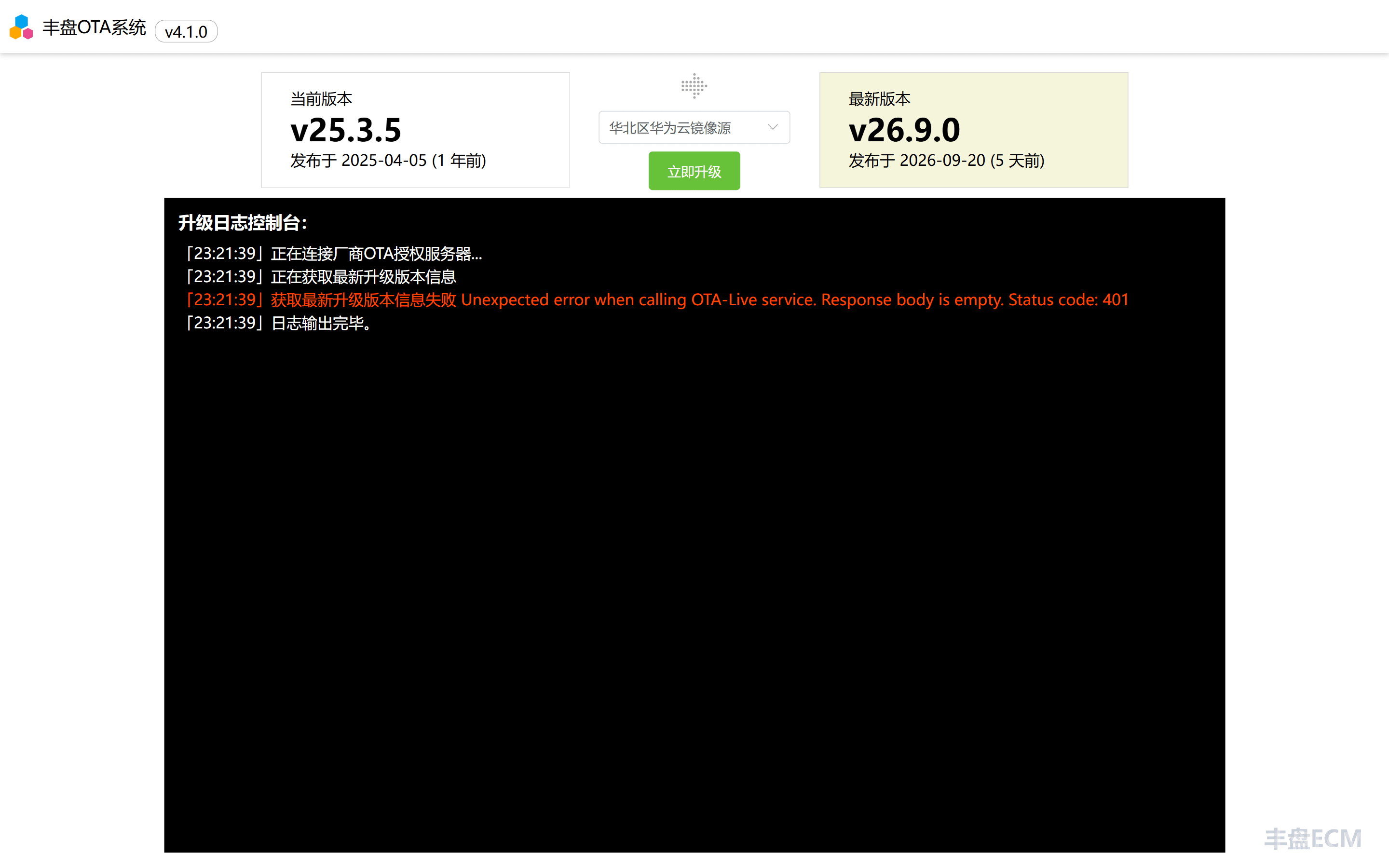
The OTA page shows the current system version and the version you are about to install. Click "Upgrade Now" to start the automated OTA upgrade.
Downtime
While the upgrade switches between the old and new versions, the system is briefly unreachable. Plan the upgrade window carefully.
After the upgrade starts, the system contacts the OTA service to fetch the component differences between the current and target versions, obtains the database-compatible upgrade scripts, and downloads the latest image packages. During this stage the whole system stays available. Only when all resources are ready does the system stop the old containers, replace them with the new ones, and run the database upgrade scripts.
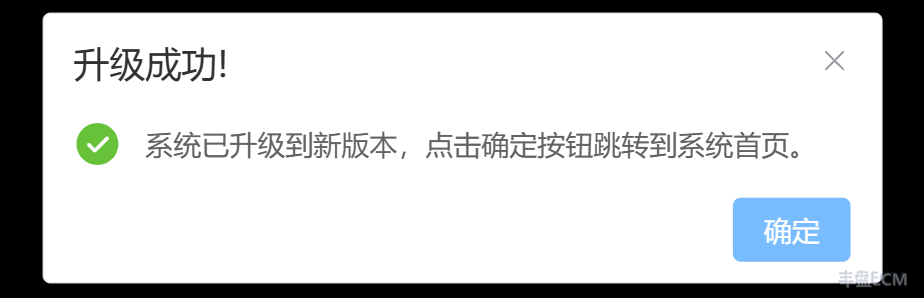
When the upgrade finishes, you can open the new system. Press Ctrl + F5 to reload the page and avoid stale cache. If an error occurs during the upgrade, for example a failed image download or another unexpected failure, the process rolls back to the previous version automatically.