Start 丰盘 services after a server restart
After the server shuts down or restarts, neither the Docker service nor the related 丰盘 container processes start automatically. When users open the system, the browser reports a timeout error like this:
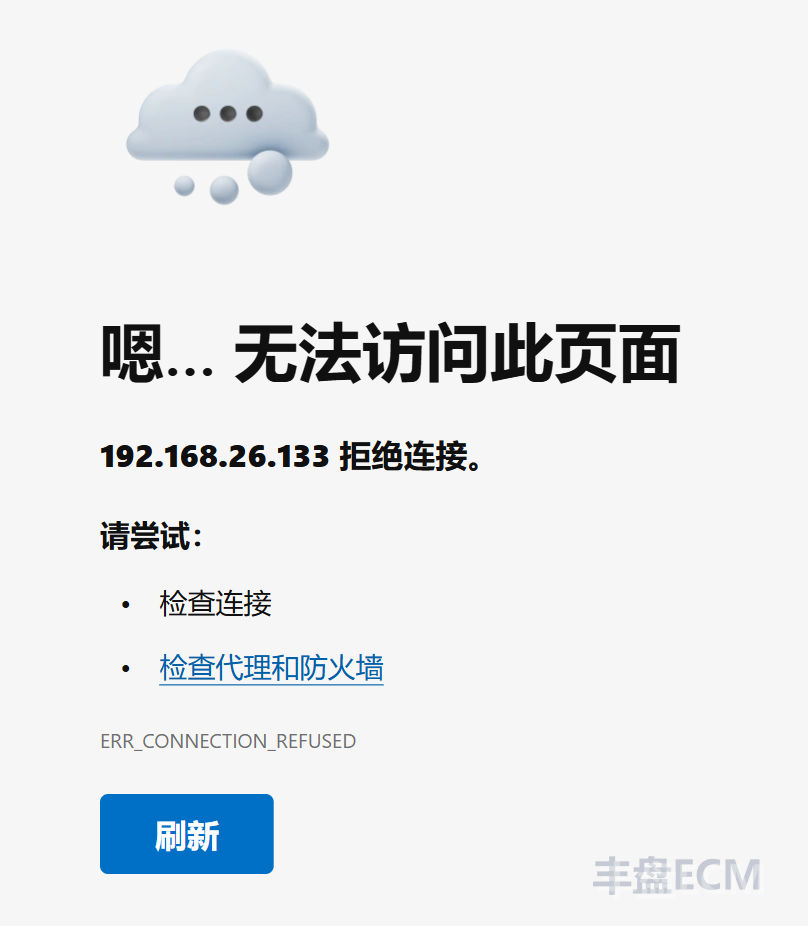
Start manually
After the system boots, the enterprise IT administrator must start all 丰盘 container processes in order with the bundled xpc.sh operations script. The command also starts the Docker service:
sh /opt/xpan/tools/xpc.sh upConfigure automatic startup
Server operations practices vary between companies, and so does the way services are started on boot. Some teams use local scripts, while others rely on professional management software. The 丰盘 installation script does not add itself to the boot process, so IT administrators must add the command above to the boot process themselves.
The following is a reference for a local script setup.
Ubuntu/Debian distributions
Create the startup script with sudo vi /opt/xpan/tools/xpan-startup.sh and add the following content:
#!/bin/sh
sh /opt/xpan/tools/xpc.sh upMake the script executable:
sudo chmod +x /opt/xpan/tools/xpan-startup.shCreate the systemd service file with sudo vi /etc/systemd/system/xpan.service:
[Unit]
Description=xpan

[Service]
ExecStart=/opt/xpan/tools/xpan-startup.sh

[Install]
WantedBy=multi-user.targetStart the 丰盘 boot script service:
sudo systemctl enable xpan.service
sudo systemctl start xpan.serviceRestart the system to verify that services start on boot.
CentOS distributions
As with Ubuntu, create the startup script and set its permissions first.
Create the startup script with sudo vi /opt/xpan/tools/xpan-startup.sh and add the following content:
#!/bin/sh
sh /opt/xpan/tools/xpc.sh upAfter saving the file, make it executable:
sudo chmod +x /opt/xpan/tools/xpan-startup.shThen run crontab -e to open the crontab editor and add the following line at the end of the file:
@reboot /opt/xpan/tools/xpan-startup.shSave the file and restart the system to verify that services start on boot.